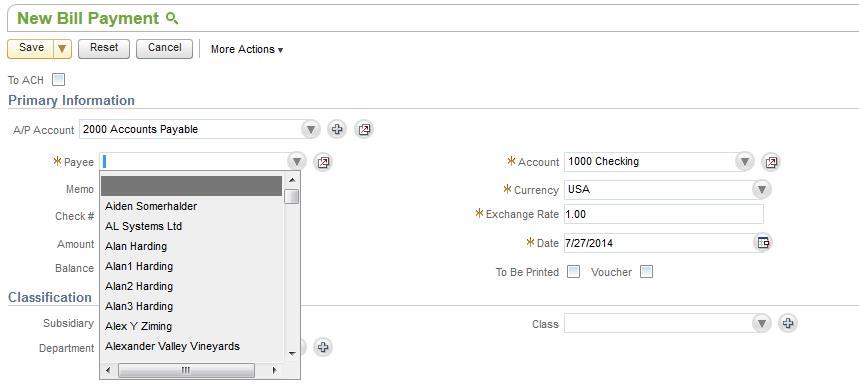
To show only vendor names in the Payee field of the Pay Single Vendor Transaction, go to
- Home > Set Preferences
- Under General Tab > Optimize NetSuite section > Set Maximum entries in the dropdown = 0 and click save.
- Open the Pay Single Vendor Transaction
- Click the chevron circle icon and choose the vendor from the dropdown list of the popup